Showing posts with label Teaching tools. Show all posts

Sunday, August 30, 2015

Pedagogy Experiments: Grading in Public Speaking

In the beginning of Summer 2015, I taught COMM 204: Public Speaking to ten amazing undergraduate students. We tackled many important topics, such as logical fallacies, overcoming communication anxiety, and building sound, reasoned arguments. A few weeks before the course, one of my friends and colleagues, Kari Storla, forwarded me an article about autonomy and self-grading in the classroom. My first thought was dismay, shock, and disgust - let students....grade...themselves? It seemed like a ridiculous and pointless idea.

Image retrieved from this site.
But, after my gut reaction passed, I thought that public speaking might be the perfect course to tackle this interesting and innovative idea. I drafted a 25/25/50 rule: each student self-graded up to 25 points, the peer grades were averaged out of 25, and I provided the remaining 50. The article noted that few professors give scores below 50%. If 50% is given automatically, why not give the students some autonomy and control over that experience? I gave it a shot and this is what happened.

Overall, I found that the students were quite fair to themselves and their classmates. With the knowledge that everyone was peer-grading, there was a collective dependence on giving everyone decent scores. I averaged grades and all scores were anonymous, but the students still felt responsible for creating a supportive and welcoming environment. Even when comments were quite harsh, "This didn't really address the prompt, not sure I understood it," students (except for 1) still never graded below a 20/25. Across all speeches, there was agreement between the student self grade and the peer grade. Students, on average, gave themselves a 23.6 and the class gave them a 23.4. Even given the opportunity, only 1 student gave themselves perfect 25/25 across all 4 speeches. This same student also received the highest peer grades and the highest score in the course, despite the student having the third highest score from myself, on average.
Image retrieved from this site.
There were no statistically significant differences between grades and a student's race, but there were some interesting patterns. The top three peer graded students were Caucasian while the lowest three were students of color. Overall, though, the peer grades spanned 24.4 to 22.8, a difference of 6%, which could bump a student half a grade. The students of color were also more likely to give themselves lower peer grades. For example, the lowest average self grades, 22.25/25, 22.88/25, and 23.50/25 were all students of color (and two international students). One student (briefly mentioned above) gave consistent low scores to two students of color, averaging a 19.3/25 and 18.2/25. These discrepancies and outlying scores did not affect the overall student average nor did it vary significantly from peers. Because of the low number of students in the class, teachers may want to keep potential biases in mind (for themselves and students participating in peer grading).

Image retrieved from this site.
The self- and peer- grading was done through an app that I previously wrote a post about: Socrative. In the past, I used this app for pop quizzes and anonymous feedback, but in Public Speaking, I used it for immediate scoring of students after speeches. I did not allow technology use during speeches, but started the Socrative quiz for students to give feedback out of 25, with both positive comments and constructive criticism.

I also used Socrative to asked students how they liked the self- and peer- grading. In response to the questions, "I like the method of self and peer grading in COMM 204 this summer," all students responded "Agree" or "Strongly Agree." In response to "I felt like I had more control over my grade because of the self and peer grading policy," I only had 2 neutrals, with the rest "Agree" and "Strongly Agree." In response to "The self and peer grading makes the grading process more fair than just having a teacher grade," I had one neutral response and the rest "Agree" and "Strongly Agree." I had the same one neutral student in response to "I felt that my classmates and myself were reasonable and accurate graders." Students were more neutral towards, "I think that peer and self grading could work in other COMM classes," with four neutrals and the rest, "Agree" and "Strongly Agree." The students all marked "Agree" or "Strongly Agree" with "The self and peer grading policy has positively affected my experience in COMM 204."
Image retrieved from this site.
In the comments, the students were quite candid about how they marked themselves and others. One student admitted, "I felt that I was obviously more bias about grading myself than my peers. I tried to be as unbias[ed] as possible, but I think it was easier for me to mark someone off for something than myself." One student noted the potential risk, "It's an interesting system to implement, although it also relies on the assumption that your classmates also grade you honestly and fairly." Other students saw the process as very beneficial: "Getting to know peer and teacher feedback helps improve and motivate me and helped me boost my confidence."

Overall, I think this experiment was a success. The students responded positively to the policy, despite concerns at first. I was sure to emphasize the community aspects of the course and how important it was to be both fair and supportive. I think this helped the students see the benefit of engaging with this grading system and giving their full attention to their peers. I could imagine this process working well in other classes that might do presentations. In COMM 206: Communication and Culture in Spring 2015, I had many students mentally check out during student presentations about readings. If the students were tasked with grading, however, and knew that they would be as well, perhaps they would pay more attention to their peers. I'm happy that I experimented with this teaching experiment and would encourage students in a Public Speaking or other presentation-heavy course to try it out as well.

Sunday, April 5, 2015

Tools for Teaching: Socrative

Retrieved from Socrative.com
I learned about a teaching application called Socrative at this year's Western States Communication Association Convention in Spokane, Washington. It was a serendipitous discovery because I have been struggling in the course Communication and Culture that I had taught in the Fall of 2014 and this current semester, Spring 2015, with student participation. The course has a biweekly lecture (~120 students) and then a discussion section that I host on Monday morning (2 sections of 20 students each). Students are thus exposed to the material in the 3 hours of weekly class time, but I only have 50 minutes on Monday to synthesize, lead discussion, hold student presentations, answer questions, and take care of any housekeeping.

Retrieved from this site
This has led to a lack of conversation when we do get free time to talk. The expectation is set that there may be too much going on for students to have questions or ideas ready. I don't think that the students purposefully avoid participating, but with a limited amount of time, it is easy to let other students handle it. Additionally, the readings for Communication and Culture are theory-heavy and quite challenging, leading to some anxiety about being incorrect or misinterpreting. Some of the topic areas, such as race, sexuality, gender, class, and power can also halt conversation. A student just last week, when we were talking about sexuality, said that she didn't want to participate because she was worried she would offend someone. When I pushed her and asked what ideas she had that might offend, she offered, "Well, everything." Her comment made me think about how challenging it is to embrace talking about pressing social issues and how the norm is to be silent. Breaking political correctness is the modern sin that cannot be committed.

Retrieved from this site.

I do have many students that tend to participate regularly, even on difficult subjects, and I rely heavily on them to help organize and lead discussion. It's hard, however, to consider those students representative and get a good idea about the actual opinions, knowledge, and understanding of all students. I've had many students, especially international students, reveal that they are nervous at the possibility of being called upon and want to avoid participating unless they are really passionate or feel comfortable.

Socrative is an opportunity for students to submit answers and questions through the app without the pressure of initiating conversation or anxiety about being correct. It also solves issues of a lack of time and the ability for only a few students to participate. It's convenience, settings, and functionality have greatly improved conversation in my discussion section this semester.

First of all, our classrooms are becoming a home for all electronic devices. I'm frankly shocked when I see actual notepad and pencils on desks. Instead of fighting the technology (as some teachers who ban computers in classrooms do), Socrative embraces the ubiquity of these tools. Socrative Student is available on all platforms, Apple and Android from tablets and phones, and even within Chrome's web browser as an add-on. All students (notably at the fairly affluent USC) were able to access the app without excuses.

Retrieved from this site.
On the teacher platform, I was able to create a "classroom" with a specific, customized name. Within the app, I can create quizzes for students to take to test their knowledge. In the morning, after announcements, I launch the weekly readings re-cap quiz (from the Tuesday and Thursday content from the week before) which is a series of multiple choice or short answer questions to gauge how much information the students have retained and whether they understood the material. Once I manually close the quiz, I choose how I want to receive the responses, so I can refer back to them later. This also works for teachers who want to do Pop Quizzes and record grades.

Retrieved from this site.
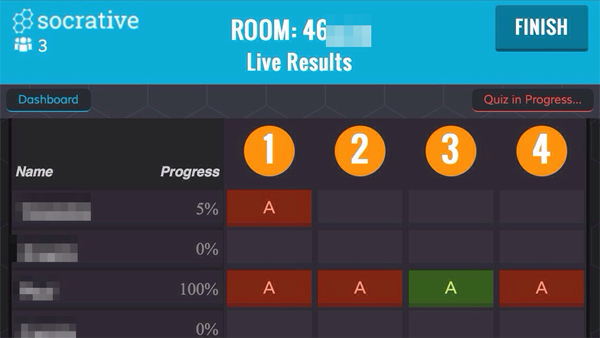
I can also see the students' answers as they come in, so during the quiz time, I can write notes and tailor my lecture to make sure I have the pieces that students are struggling most with covered. Oftentimes, I am surprised that they understand what I consider complicated ideas and struggle with simple definitions or differences between theorists. This helps ensure that the discussion sections do meet the needs of the students without needed a student to volunteer that they did not understand something. Also, when I address these concepts, I can call on students that submitted correct answers and confirm their accuracy before they speak. This reinforces their grasp of the material and takes away some of the uncertainties of participating.

Socrative is very easy to set-up during class if I need a specific response to a question. For example, I often get nothing but blank stares when I ask if we can move on or if students need more explanation. I have a one-question "Check-in" Quiz that I can launch and get immediate feedback if students want to move on or if they would like more information about that topic.

Retrieved from this site.
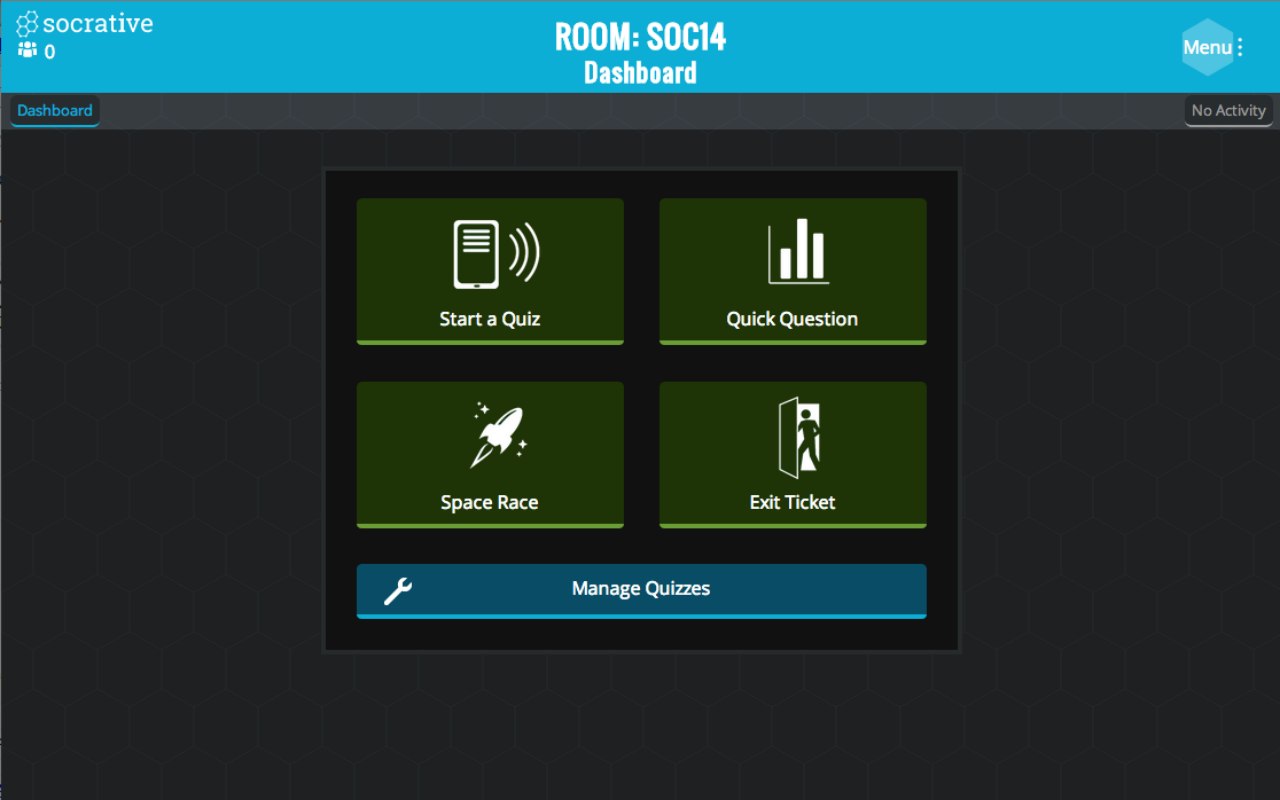
There are some other app functionality such as "space race" where you can put students in teams and have them race to finish the quiz. I have not tried this functionality yet, but I imagine in a course that I have more time or more control over the content, this would be a fun and engaging activity.

I encourage teachers and teaching assistants to try the app and see if it works in their classroom space. With students already nose down into their computer screens, I found Socrative a positive way to keep them on track and focused on the material. I found that in the few weeks I've used it, it has increased conversation, given me confidence in calling on students and asking for participation, and made for a less stressful atmosphere.